From alert to action: designing an automation workflow
A visual, interactive example of how triggers, checks, approvals, Python, Ansible and infrastructure as code can fit together without giving an automation unnecessary power.

Kareem Schultz
Technology enthusiast & systems builder · Guyana
Jump to a section
The problem with a one-step automation
I love the idea of making a repetitive operational task run itself. But sending an alert directly into a privileged command is rarely the safest design. A good workflow should first understand what happened, check whether the event is genuine, decide what action is appropriate, and make the result visible.
Visual workflow editors make those stages easier to see. The layout is not the automation itself: the important work is in the rules, credentials, checks and approvals behind each node. This article uses an interactive, read-only example so you can inspect that design without connecting to any real services.
A six-stage flow that can be reasoned about
Imagine a monitoring system reports that a service is unhealthy. An event enters the workflow, is normalized, and is compared with recent incidents. It should not automatically restart infrastructure merely because one check failed: the system may be reporting a dependency outage or a brief network issue.
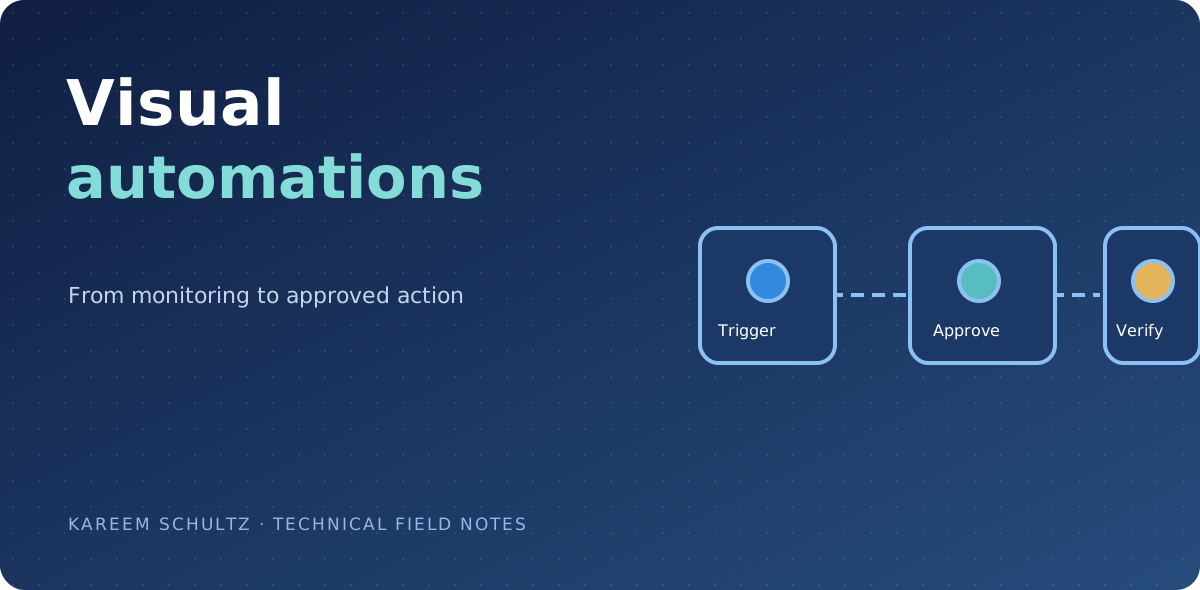
The flow below makes a human review step explicit for potentially disruptive changes. Select any node to read its purpose and what should be validated before the next transition.
- Trigger: receive a trusted monitoring event, using a narrowly scoped webhook or integration.
- Validate: check the source, required fields, freshness and duplication before proceeding.
- Assess: gather read-only service status, logs and dependency health.
- Approve: ask a named operator to authorize a material or privileged change.
- Act: run a narrowly scoped, version-controlled change with an idempotency key.
- Verify: check service health, capture an audit result and escalate if recovery fails.
Where Python, Ansible, Terraform and OpenTofu belong
Python is useful in the glue between tools: parsing structured alerts, validating payloads, deduplicating events and preparing a human-readable summary. It does not need a privileged SSH key simply to classify an event.
Ansible uses playbooks to manage configuration and carry out repeatable operational tasks. A tightly scoped playbook can inspect a service or apply an approved configuration change to defined hosts. Ansible should use narrowly scoped inventory and credentials, with review and logging.
Terraform and OpenTofu describe infrastructure resources declaratively. They are better suited to planned infrastructure changes than to ad hoc incident commands. A normal infrastructure-as-code path generates a reviewable plan before an authorized apply, with protected remote state and provider credentials.
These are complementary tools, not three interchangeable programming languages. Python is a general-purpose programming language; Ansible is an automation platform with YAML playbooks; Terraform and OpenTofu are infrastructure-as-code tools that commonly use HCL configuration.
| Tool | Typical role in this flow | Control to keep |
|---|---|---|
| Python | Validate and enrich events | Input validation, timeouts and no secret logging |
| Ansible | Approved host/service configuration | Scoped hosts, idempotent playbooks, audit |
| Terraform | Planned resource lifecycle change | Plan review, state controls, approval |
| OpenTofu | Open-source IaC resource lifecycle | Protected state, plan review, approval |
| Workflow UI | Show dependencies and outcomes | No implicit privilege or fabricated run status |
What an approval gate should really mean
An approval is meaningful only when the operator sees the exact action being requested. A safe request identifies the environment, target, planned change, expected impact, authorizing identity and expiry. Approval should be bound to that request, not to a vague message asking someone to click Yes.
For high-impact changes, separate the roles that build an automation from the identities that approve and execute it. A scheduled retry should not bypass the gate. A timeout should expire the request, and a rejected or ambiguous approval should stop the branch.
- Show the intended diff or exact playbook/job before approval.
- Protect the workflow service account with the minimum required rights.
- Make retries idempotent; do not replay a different action under the same key.
- Log what was requested, who approved, which commit ran and what validation found.
Read-only automation before write automation
The safest first prototype is one that inventories or diagnoses rather than changes anything. For instance, gather a service status, summarize the result and route an alert for human review. Once that behavior is predictable, introduce a separate approved action path with tests and a rollback plan.
The following intentionally non-mutating Python example shows how an event can be checked and normalized. It is illustrative code, not a webhook endpoint, and it does not connect to an account or trigger a change.
How I would test the flow before trusting it
I would exercise the unhappy paths first: malformed events, missing fields, duplicates, stale timestamps, a monitoring outage, denied approval, credentials without permission, an action that times out, and a failed recovery verification. Every branch needs a clear stopped or escalated outcome.
The editor should distinguish design-time sample data from last-run facts. A successful green node in a diagram should never imply a real service was restarted or an infrastructure change happened unless the system has authoritative execution data. That distinction matters in a blog demo and even more in a production operations center.
A flow is useful when it makes the operational process understandable. It is reliable when its boundary conditions and permissions are understandable too.
Sources & further reading
These links provide the technical basis for the article. Check upstream advisories and documentation for revisions.